 CozyBearDocsby 3BearLabs
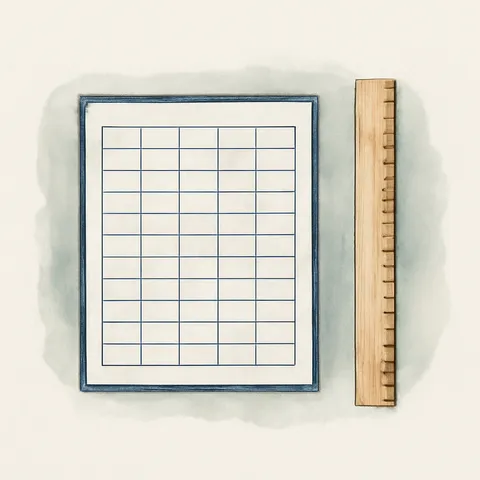
A table has to fit inside the margins
A table gets cut off on the right because its total width is wider than the page minus the left and right margins. Columns that were visible on screen disappearing when you print or make a PDF happens for the same reason.
How to fix it, in order
- Shrink the wide columns first. Usually one or two columns are pushing the rest out.
- If there are no columns left to shrink, reduce the margins. Smaller margins make the body wider and the table fits.
- If that still does not work, switching the page to landscape is better. It reads more easily than shrinking the text again and again.
- If there really are too many columns, split the table in two. A table forced onto one page cannot be read.
If the width looks different from the original
When the font inside a table is substituted, character widths change and so does the column width calculation. If a table that fit in the original only overflows here, suspect font substitution first.